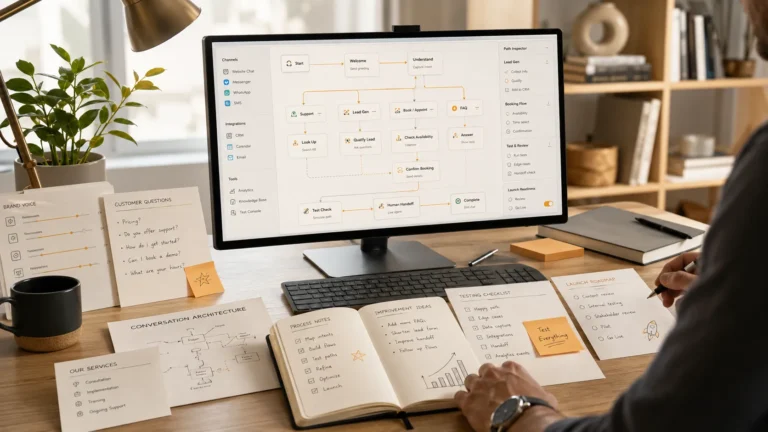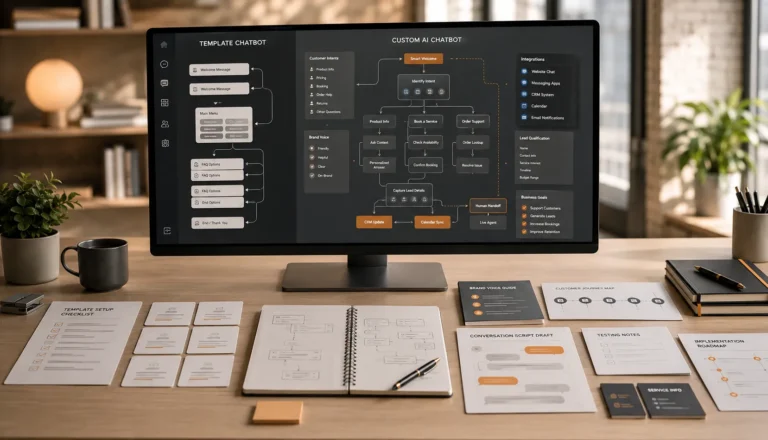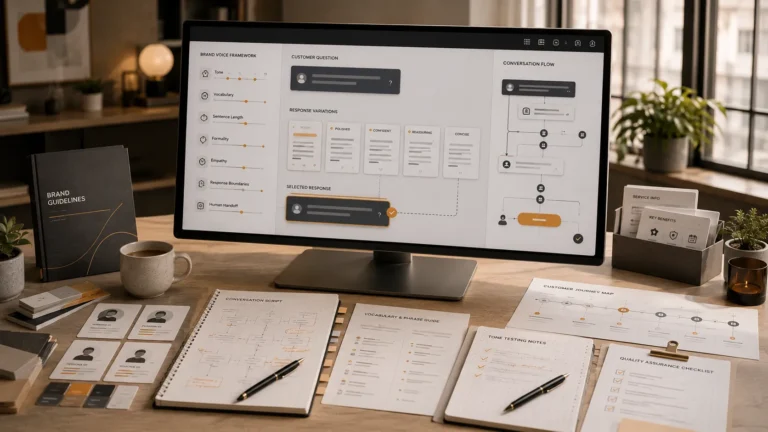
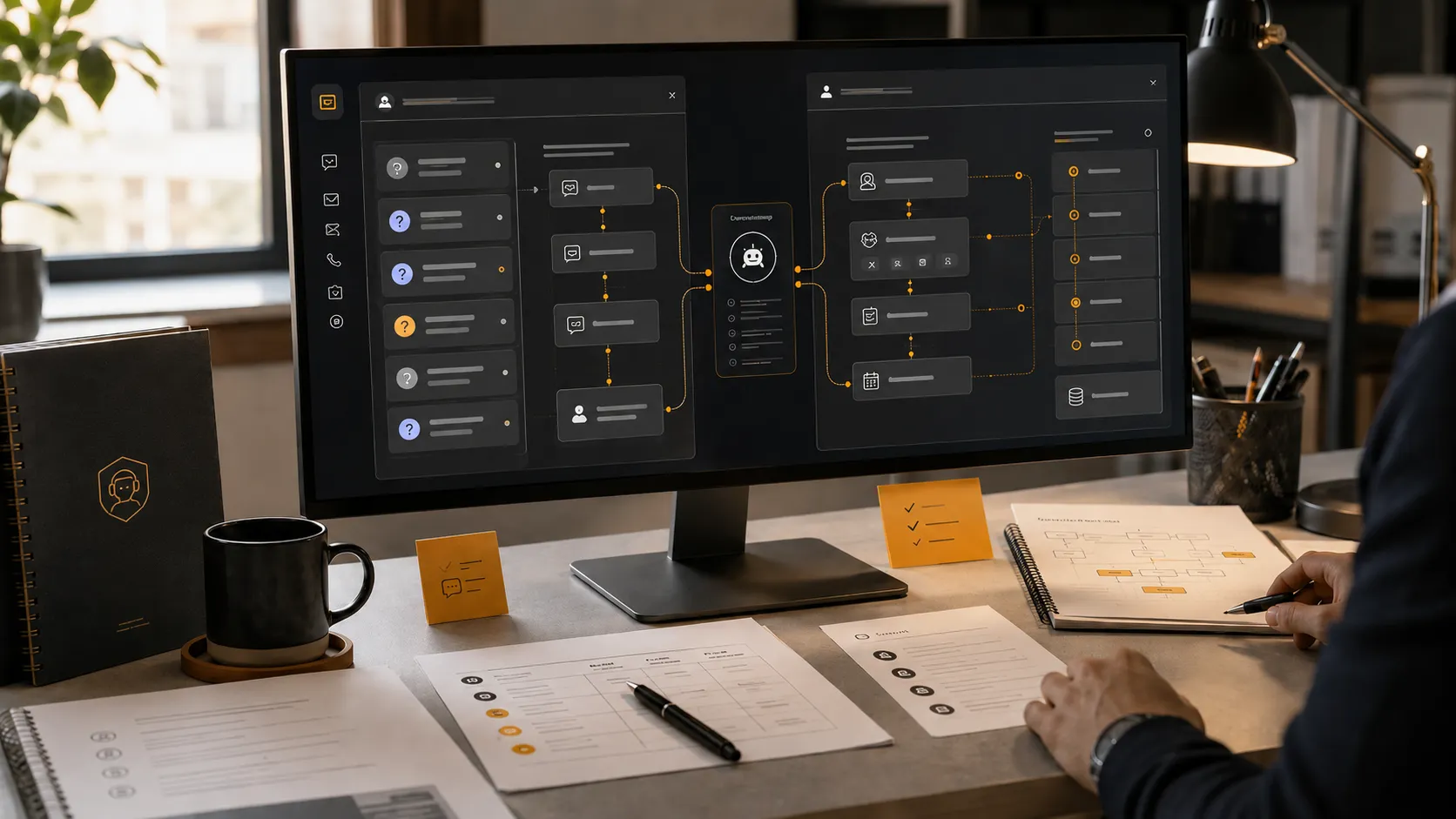

Customer support and lead generation are often treated as two separate business functions. One focuses on helping existing customers, while the other focuses on attracting and converting new prospects.
In practice, both begin with the same thing: a conversation.
A visitor reaches a website with a question. A potential customer sends a message asking about pricing. An existing client needs help with a service. Someone wants to book an appointment but is unsure which option to choose.
The quality and speed of the response can determine what happens next.
If the business responds quickly and clearly, the customer may continue the conversation, make a booking, request a quote, or remain loyal. If the response is delayed, confusing, or unavailable, that person may leave and contact another business.
AI chatbots help businesses manage these conversations more effectively. A well-designed chatbot can answer common support questions, guide customers toward useful information, collect lead details, qualify prospects, and connect important inquiries with the right team member.
However, the value does not come from automation alone. It comes from designing the chatbot around real customer needs, clear business processes, and carefully scripted conversations.
This article explains how AI chatbots improve both customer support and lead generation, where they create the most value, and what businesses should consider before implementing one.
Why Customer Conversations Matter
Every customer conversation has a purpose.
Some people want information. Others need reassurance. Some are comparing services, while others are ready to buy but need help taking the next step.
Businesses often lose opportunities because they cannot respond to every inquiry immediately. This is especially common when:
- Messages arrive outside normal business hours
- Staff members are busy serving existing customers
- The same questions are asked repeatedly
- Leads come through several different channels
- Follow-up information is incomplete
- Customers cannot find the right service or booking option
An AI chatbot can manage the first stage of these conversations without making customers wait.
It can provide immediate guidance while collecting the information a human team member needs to continue the conversation effectively.
How AI Chatbots Improve Customer Support
Customer support is not limited to solving serious problems. It also includes helping customers understand services, policies, pricing, availability, and next steps.
A custom AI chatbot can manage many routine support interactions while keeping the customer experience organized and consistent.
1. They Provide Faster Responses
Speed is one of the biggest advantages of using an AI chatbot for customer support.
Customers may visit a website early in the morning, late at night, or during a busy period when staff members cannot respond immediately. A chatbot can still provide useful information at that moment.
It may answer questions such as:
- What are your operating hours?
- Which services do you provide?
- Do you serve my location?
- How can I reschedule an appointment?
- What information do I need before booking?
- How can I contact a team member?
An immediate response helps reduce frustration and gives the customer a clear next step.
The chatbot does not need to solve every issue. Even confirming that the inquiry has been received and collecting the correct details can improve the experience.
2. They Handle Repetitive Questions
Most businesses receive a predictable group of questions.
A clinic may repeatedly answer questions about appointments and accepted services. A hotel may receive questions about check-in times and room availability. A home-service company may be asked about service areas, estimates, and emergency support.
When employees manually answer the same questions throughout the day, valuable time is lost.
A chatbot can handle these routine inquiries consistently. This allows the team to focus on conversations that require experience, judgment, or personal attention.
The result is not only faster support for the customer but also a more efficient workflow for the business.
3. They Create Consistent Answers
Different employees may explain the same policy in different ways. Responses may also change depending on how busy the team is.
A custom chatbot provides approved, consistent answers based on the business’s current information.
This is especially helpful for communicating:
- Pricing guidance
- Service inclusions
- Booking procedures
- Cancellation policies
- Business hours
- Location details
- Preparation instructions
- Contact options
Consistency helps reduce confusion and protects the quality of the customer experience.
The chatbot should still be updated whenever business information changes. An accurate script is essential because automation can repeat outdated information just as consistently as correct information.
4. They Help Customers Find the Right Information
A website may contain all the information a customer needs, but that does not mean the customer can find it easily.
Visitors often do not want to search through multiple pages. They prefer to ask a direct question.
An AI chatbot can guide users to the right service, policy, pricing page, booking option, or support contact based on what they ask.
For example, a customer who says, “I need help choosing a service,” can be asked a few relevant questions and then directed toward the most suitable option.
This reduces friction and makes the website easier to use.
5. They Support Customers Outside Business Hours
A business may close at 6:00 p.m., but customer interest does not stop at that time.
People frequently research services after work, during weekends, or whenever they have free time. If no help is available, they may postpone the decision or move to a competitor.
A chatbot can continue providing basic support outside regular operating hours.
It can:
- Answer FAQs
- Explain available services
- Collect support details
- Record callback requests
- Help users start a booking
- Provide emergency or after-hours instructions approved by the business
This gives customers a useful experience without requiring employees to remain available around the clock.
6. They Improve Human Handoffs
An effective chatbot should not trap customers in an automated conversation.
Some questions require a human representative. The chatbot should recognize these situations and provide a clear handoff.
Before transferring the inquiry, it can collect important information such as:
- Customer name
- Contact details
- Account or booking reference
- Reason for contacting the business
- Preferred callback time
- Summary of the issue
This gives the support team useful context before responding. Customers do not have to repeat the entire conversation, and staff members can prepare a more relevant answer.
A smooth handoff makes automation feel helpful rather than obstructive.
How AI Chatbots Improve Lead Generation
Lead generation begins when a potential customer shows interest in a product or service.
Many businesses assume that adding a contact form is enough. However, long forms can feel impersonal, and visitors may not know what information to provide.
A chatbot turns lead capture into a guided conversation.
1. They Engage Website Visitors Immediately
A potential lead may leave a website without taking action because they are unsure where to begin.
A chatbot can offer a relevant opening question such as:
- What service are you interested in?
- Are you looking for pricing or a consultation?
- Would you like help choosing the right option?
- Are you ready to book, or do you have a question first?
This invitation creates an easy starting point.
Instead of requiring the visitor to navigate the entire site, the chatbot can guide them toward information that matches their needs.
2. They Capture Leads at Any Time
A business may receive some of its best leads outside office hours.
Without a chatbot, those visitors may submit a general form or leave without making contact. With a chatbot, the business can collect useful details immediately.
Depending on the service, the chatbot may request:
- Name
- Email address
- Phone number
- Service needed
- Location
- Preferred timeline
- Budget range
- Appointment preference
- Project details
This creates a structured lead record that can be sent to the appropriate team member.
3. They Qualify Leads Before Human Follow-Up
Not every inquiry is ready for the same next step.
Some prospects need basic information. Others are ready for a consultation. Some may not meet the business’s service requirements.
A chatbot can ask qualification questions before the sales team becomes involved.
For example, a chatbot for a service business may ask:
- Which service are you interested in?
- Where are you located?
- When would you like to begin?
- What is the approximate scope of the project?
- Are you looking for a one-time service or ongoing support?
These questions help the business understand the lead’s needs and level of readiness.
Qualified leads can be prioritized, while less-ready prospects can receive useful information or a different follow-up path.
4. They Guide Prospects Toward the Right Service
Customers do not always know which service they need.
A business may offer several packages, plans, or service categories that appear similar to someone unfamiliar with the industry.
A chatbot can ask simple questions and recommend the most relevant direction.
For example, it may determine whether a visitor needs:
- A basic service
- A premium package
- A consultation
- A custom quotation
- A booking
- Human assistance
The chatbot should avoid making unsupported promises, but it can help the prospect narrow down the options.
This reduces decision fatigue and moves the conversation closer to conversion.
5. They Make Booking Easier
For many service businesses, the most valuable lead-generation outcome is a booked appointment or consultation.
A chatbot can connect the conversation directly to the next action.
It may:
- Explain booking requirements
- Collect initial information
- Display available appointment options
- Connect with a calendar
- Submit a booking request
- Confirm what happens next
Every unnecessary step between interest and booking creates an opportunity for the prospect to leave. A chatbot can shorten this process.
6. They Connect Leads to CRM Systems
Lead information is less useful when it remains inside a chat transcript that no one reviews.
A custom chatbot can connect with a customer relationship management system or another business workflow.
Once a lead is captured, information may be sent to:
- A CRM record
- A sales pipeline
- An email notification
- A team messaging channel
- A booking platform
- A follow-up workflow
This reduces manual data entry and helps ensure that new opportunities are not forgotten.
The integration should match the way the business already works. Creating another dashboard that employees must remember to check may add complexity rather than improve efficiency.
The Connection Between Support and Lead Generation
Customer support and lead generation often overlap.
A person asking a support-style question may actually be a potential customer. Someone who asks about service availability, pricing, or process is already showing interest.
For example:
- “Do you serve my area?” may become a qualified local lead.
- “How much does this service cost?” may lead to a quote request.
- “Can I book for next week?” may become an appointment.
- “Which option is best for my business?” may become a consultation.
A carefully designed chatbot recognizes this connection.
It answers the question first and then offers a natural next step.
The conversation should not feel like an aggressive sales pitch. The chatbot should help the visitor, understand the need, and provide an appropriate action.
This support-first approach can generate better-quality leads because trust is built before contact details are requested.
Why Custom Conversation Scripting Matters
A chatbot can only improve support and lead generation when its conversations are designed properly.
Generic chatbot templates often use broad responses that could belong to any business. They may answer basic questions but fail to represent the brand or guide customers effectively.
Custom conversation scripting defines:
- How the chatbot introduces itself
- How it responds to common questions
- How it asks for information
- How it qualifies a lead
- How it recommends a next step
- How it handles uncertainty
- How it transfers the conversation to a person
- How it closes the interaction
The language should reflect the business’s actual voice.
A premium hospitality brand should not sound like a technical support tool. A family clinic should not sound overly promotional. A local service company may need a direct and reassuring style.
Brand-aligned scripting helps the chatbot feel like part of the business rather than a separate piece of software.
What Businesses Should Avoid
AI chatbots can improve communication, but poor implementation can create new problems.
Businesses should avoid the following mistakes.
Trying to Automate Every Conversation
Some situations require human understanding. The chatbot should support the team, not prevent customers from reaching it.
Asking for Too Much Information
A long sequence of questions may cause visitors to abandon the conversation. Only collect information that is genuinely useful.
Launching with Inaccurate Content
Incorrect prices, policies, or service details can damage trust. All information should be reviewed before launch.
Using a Robotic Tone
Responses should be clear and natural. Overly formal, repetitive, or generic language makes the chatbot feel impersonal.
Ignoring Real Conversation Data
Customer questions change. The chatbot should be reviewed and improved based on actual interactions.
Measuring Only Conversation Volume
A high number of chatbot conversations does not automatically mean success.
Businesses should also evaluate whether the chatbot is:
- Resolving questions
- Capturing useful leads
- Supporting bookings
- Reducing repetitive work
- Improving response times
- Creating successful human handoffs
How to Measure Chatbot Performance
The right metrics depend on the chatbot’s purpose.
For customer support, useful measures may include:
- Common questions handled
- Response availability
- Support issues resolved
- Human handoff rate
- Customer drop-off points
- Unanswered questions
For lead generation, businesses may review:
- Leads captured
- Qualification completion
- Bookings generated
- Quote requests
- CRM submissions
- Conversion from conversation to action
Performance data should be reviewed alongside actual transcripts. Numbers can show where something happened, but conversations often explain why it happened.
Which Businesses Benefit Most?
AI chatbots can support many industries, especially businesses that receive regular inquiries, appointments, or service questions.
Examples include:
- Clinics and wellness practices
- Hotels and hospitality businesses
- Real estate companies
- Home-service providers
- Agencies and consultants
- Salons and beauty studios
- Law firms
- Educational services
- Automotive businesses
- Multi-location local businesses
The chatbot should be adapted to the industry, customer expectations, and level of risk involved.
Businesses handling medical, legal, financial, or other sensitive matters should maintain clear boundaries and meaningful human oversight.
Final Thoughts
AI chatbots improve customer support and lead generation by making business conversations faster, more organized, and easier to act on.
For customer support, they provide immediate answers, reduce repetitive work, help users find information, and prepare stronger human handoffs.
For lead generation, they engage visitors, collect contact details, qualify prospects, guide service selection, support bookings, and connect valuable inquiries with existing business systems.
The strongest results come from a custom chatbot built around the company’s real customers, brand voice, services, and workflows.
AIChatbotopia develops custom AI chatbots using carefully planned conversation scripts rather than generic templates. Each chatbot is designed to support the customer journey while helping businesses capture and manage more valuable opportunities.
Businesses can explore available chatbot solutions at https://aichatbotopia.com/services/, compare service plans at https://aichatbotopia.com/pricing/, or request a custom chatbot at https://aichatbotopia.com/get-a-quote/.